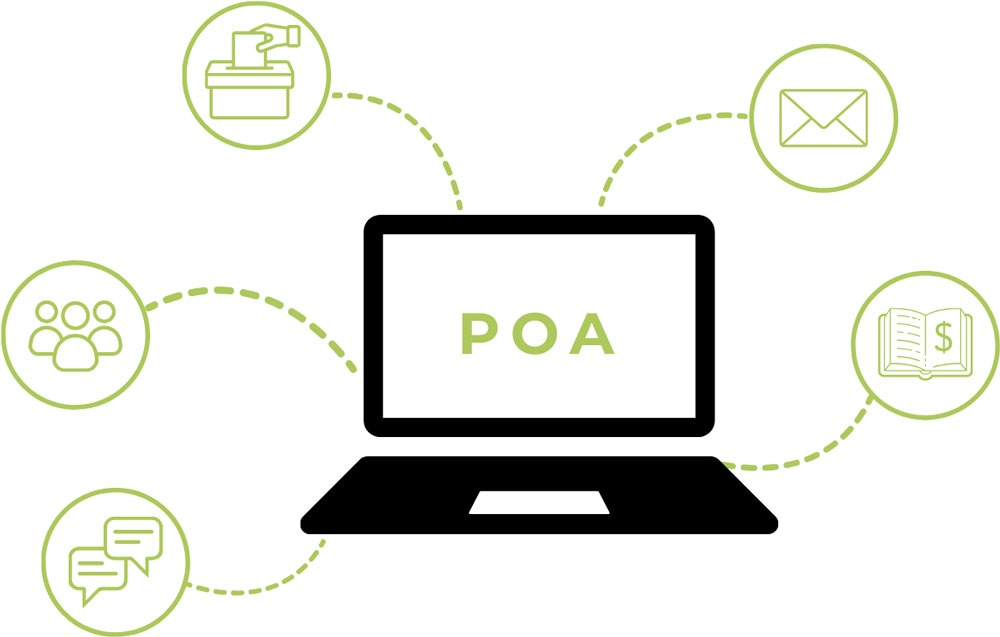

The Artist Service Portal (POA) provides access to information on collected royalties and facilitates communication between artists and the ZASP administration. Users can log in to the portal using a standard web browser and use individual functions depending on the permissions granted.
Full access to the calculations granted to the eligible person, together with information on the current status of the calculations, and the ability to download files of the annual financial report.
Communication between eligible persons and the ZASP administration (important notifications regarding changes, updates, etc.).
Browsing the eligible person’s full repertoire – a list of works together with details of the broadcast of a given work (role, year, title).
Viewing the list and details of working groups made available to the eligible person, as well as viewing and commenting on documents related to the working groups on the discussion forum.
Access to the agreement view together with its appendices. Until the eligible person’s account is fully activated, the functions of the Agreements Module are limited. After concluding an agreement with ZASP, the eligible person is able to submit actors’ artistic performances.
Providing documents to the eligible person by ZASP.
Enables contact with ZASP.
Viewing the list and details of various types of votes made available to the Association member, and the ability to vote online.
Participation in recruitment processes created by ZASP for a given section. Viewing and downloading the list of candidates in a recruitment process, and submitting one’s own candidacy.
Viewing current and completed Assemblies to which the member has been invited. Viewing and commenting on documents related to the GAD on the discussion forum.
LOGGING IN: